MythTV: so it begins.

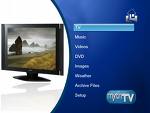
Originally I had planned on purchasing a TiVo, complete with its monthly service plan, once the Series 3 HD DVR was released. However, when that day finally came, the price tag of $800 for 20 hours of HD recording made me decide that having a home HD DVR was just a fantasy. While relating my woes of household electronic despair, a friend recommend I look into MythTV, a free, open-source, Linux based program, and build my own HTPC.
As it turns out, I had recently decided to downsize my personal computing. I had a desktop, a Linux based server, and a laptop. I switched from using my desktop full time to using my laptop, and had plans to use the desktop as a new Linux server, getting rid of the old one. The desktop machine was certainly powerful enough to handle MythTV, and I could still use it as a personal file server and downgrade. So, I figured, why not give it a whirl!
Hardware and Software
Of course, the first step to building an HTPC is choosing the operating system and software. I decided to run Ubuntu 7.1 as my OS, which would pair nicely with MythTV. Then you’ll need to pick your hardware based on system requirements, and exactly what you want to do with the HTPC/server.
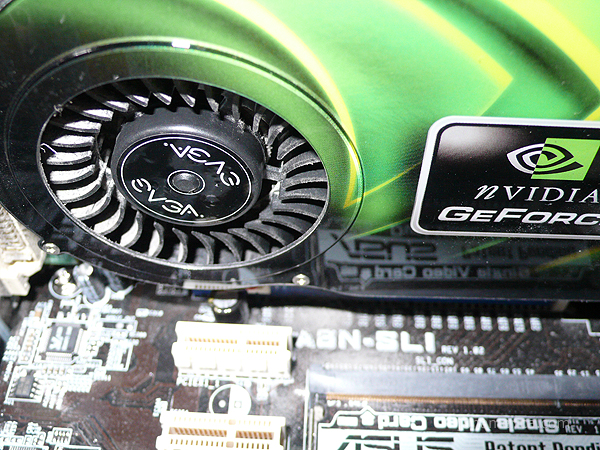
My desktop computer is an AMD 64 3500+ (2.2GHz) with 1GB of ram, and one 250 GB SATA hard drive. This would be enough power, but I would need to increase the storage capacity to record HDTV. The system also has an nVidia GT 6600 by EVGA, which supports HDTV out via the DVI port.
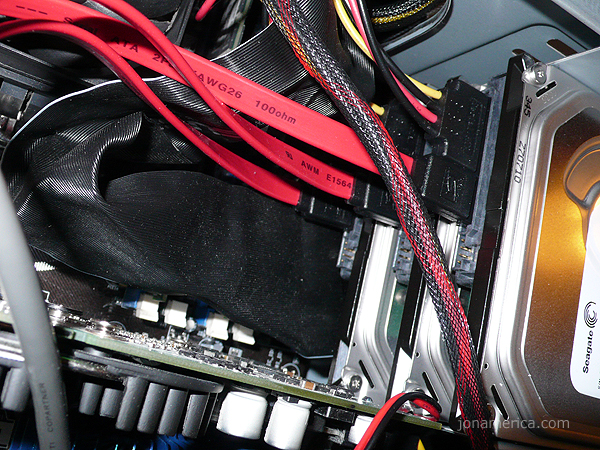
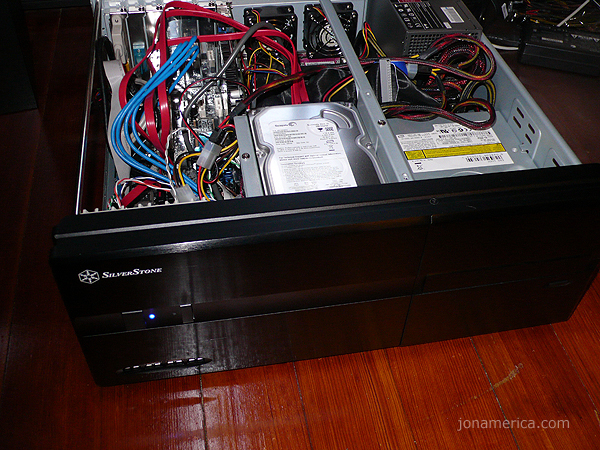
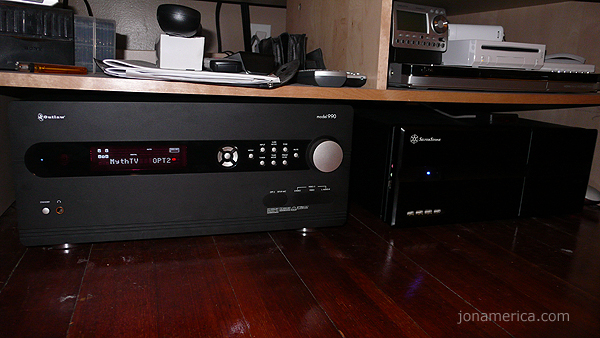
I decided to stick with the 250 GB drive capacity and picked up 3 more drives, at $60 a pop from Newegg. This way I could put together a software based level 5 RAID, which would provide data redundancy and create a single large file store. I picked out an inexpensive Silverstone black case, which would look good next to my Outlaw Audio 990 pre-amp.

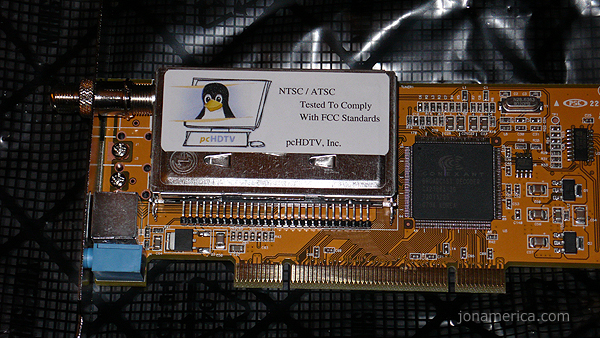
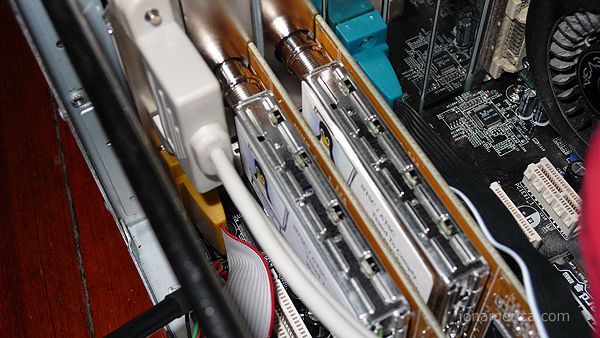
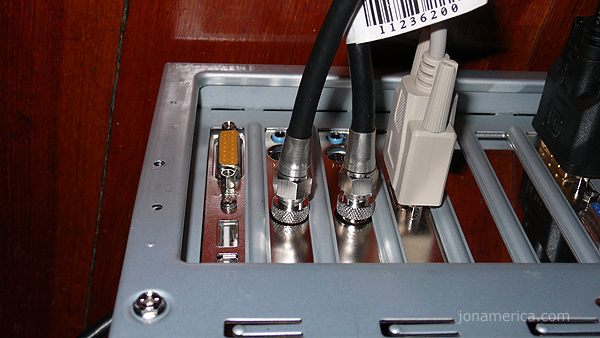
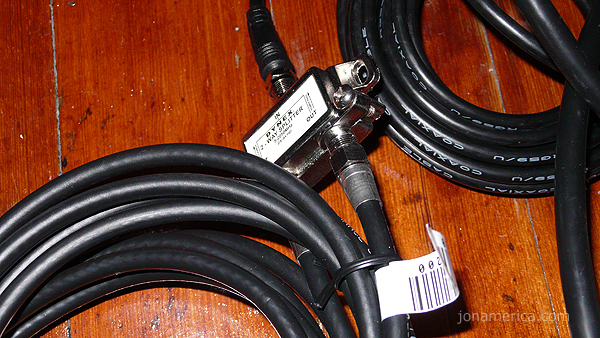
For the heart of the system, I went with two HD-5500 tuner cards from pcHDTV. These cards support ATSC & NTSC broadcast signals, and QAM 64 & QAM 258 cable signals. Right now, as I don’t have cable, I’m only interested in picking up the ATSC signal from local HDTV broadcasts.
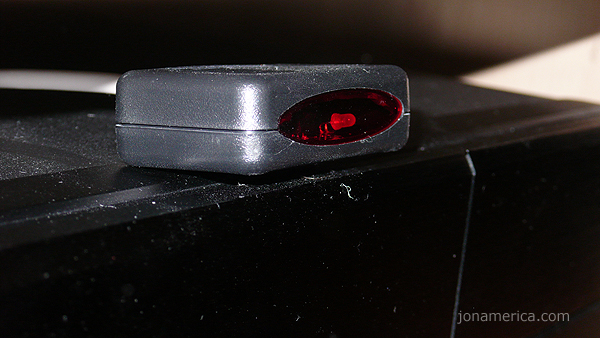
I also picked up an IR receiver from HOMElectronics, which plugs into the computer’s serial port. I’ll use this to pick up signals from my universal remote control.
Warning: Geek Speak
The most difficult part of the install was getting the RAID 5 setup. This took more than an entire weekend to figure out. For some reason the boot disk was loading the hard drive connected to port SATA1 on the motherboard as SDC instead of SDA. So I was repeatedly trying to install the system to SDA, but needed to be installing to SDC. Once I figured this out (by unplugging all the drives but the one connected to SATA1) I installed the system to SDC. Then, when the computer tried to boot, all I needed to do was edit grub to boot from hd0 instead of hd2. (Once the system was installed, it correctly recognized the drive plugged into SATA1 as the first hard drive, but grub had been configured to boot from the third.) An easy fix to a drawn-out problem.
After applying updates to the system, including fresh, sparkly drivers, I was ready to get the MythTV install going. Of course, Ubuntu makes this easy. Using the package manager I searched MythTV and installed the MythTV, MythTV-Plugins, and MythTV-Themes packages. The system took care of all the prerequisites, and I just sat back and waited for everything to complete.
MythTV Configuration
This is the part of the post where I write about my MythTV configuration, as well as handling some of the more unique items, like LIRC. However, I’m not quite done tweaking and adjusting. I’m still learning. I’m going to do the whole thing over again, starting with a fresh system install.
MythTV version 0.21 will have a new feature that allows you to add hard drives to storage groups; you then assign storage groups to MythTV for use. This will allow me to regain 250 GB of storage space from my RAID 5 configuration. I’ll still want some redundancy, as this server will still be my file server. To do that I’ll add a fifth drive and use two drives to create a level 1 RAID. Then I’ll have 3 drives, for a total of 750GB of storage space, for video recordings.
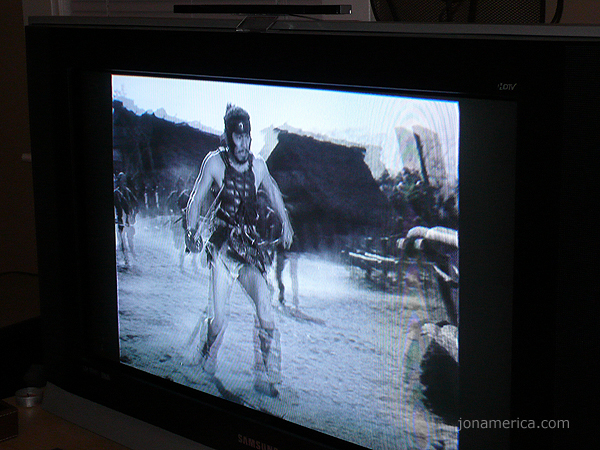
You can expect a second post, sometime after MythTV version 0.21 is released, expounding on the setup and configuration. For now, enjoy the photo gallery!